10 Tips to Build the Ultimate Big Game Audio Experience
The Big Game isn’t just about what you see, it’s about what you feel. The roar of the crowd. The crack of pads colliding. The tension before a game-winning kick. With the right surround sound setup, your living room can feel much more like a front-row seat.
Whether you’re hosting a full-on Super Bowl party or just want the most immersive experience possible, these tips will help you get stadium-level sound at home — without overthinking it.
Is the Super Bowl broadcast in surround sound and/or Dolby Atmos?
This year’s Super Bowl will be broadcast in head-turning Dolby Digital 5.1 surround sound with UHD 4K video, so whether you’re in it for the on-field action, can’t-miss commercials, or halftime show, it’s a home theater sports spectacle like nothing else.
Select services, including Xfinity’s X1 platform and the Peacock streaming app, also offer an enhanced audio experience with Dolby Atmos object-based surround sound. This renders a more of a three-dimensional effect, making it sound like audio is surrounding you, including overhead, to capture game sounds like whistles, tackles, and on-field dialogue.
Why does surround sound work for enhancing sports on TV?
TV speakers and most soundbars can’t deliver sufficient dynamic range or frequency response to fully convey the stadium experience. With 5.1 home theater surround sound and Dolby Atmos, you get the feeling of a raucous crowd celebrating every big play all around you, seat-rumbling bass, and pristine dialogue clarity for the game call. Not to mention, a live concert vibe at halftime.
With that in mind, we’ve put together some tips to ensure you’re getting the most out of every action-packed second.

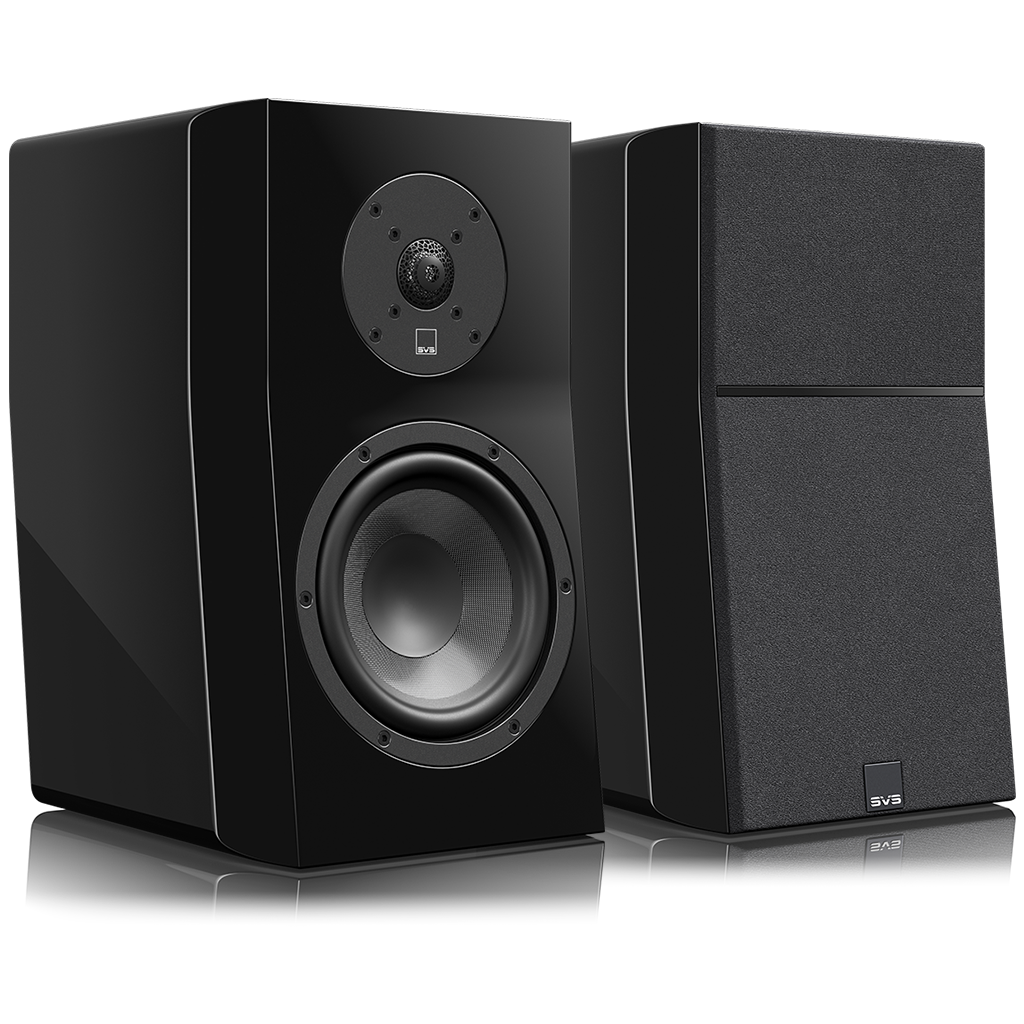
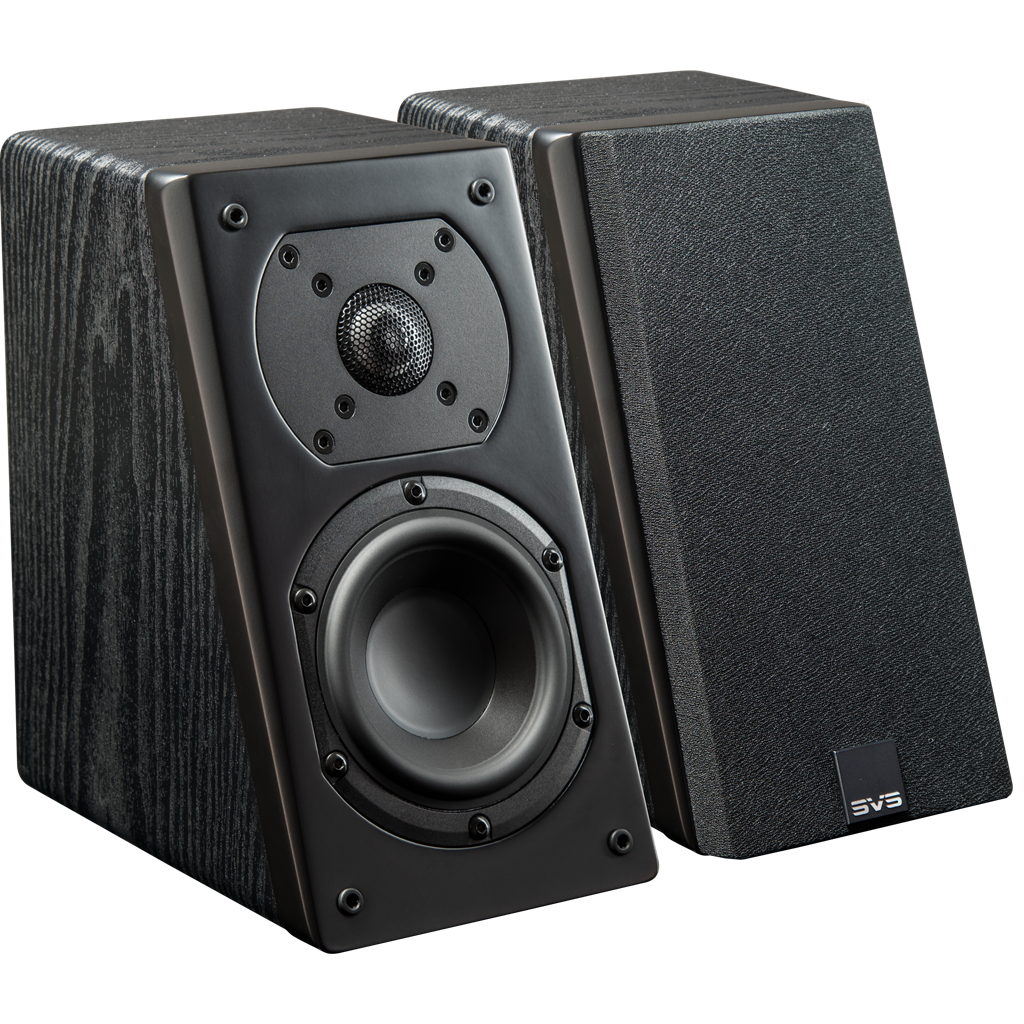
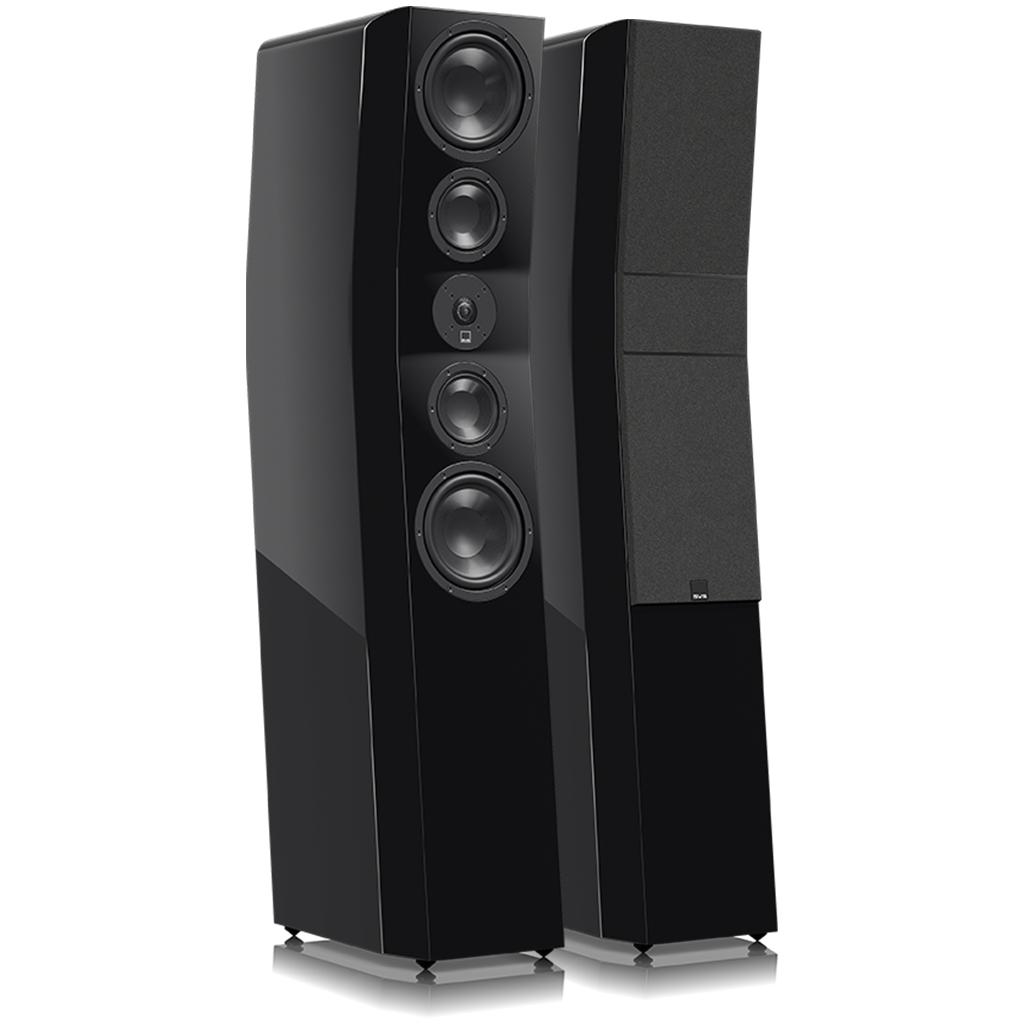
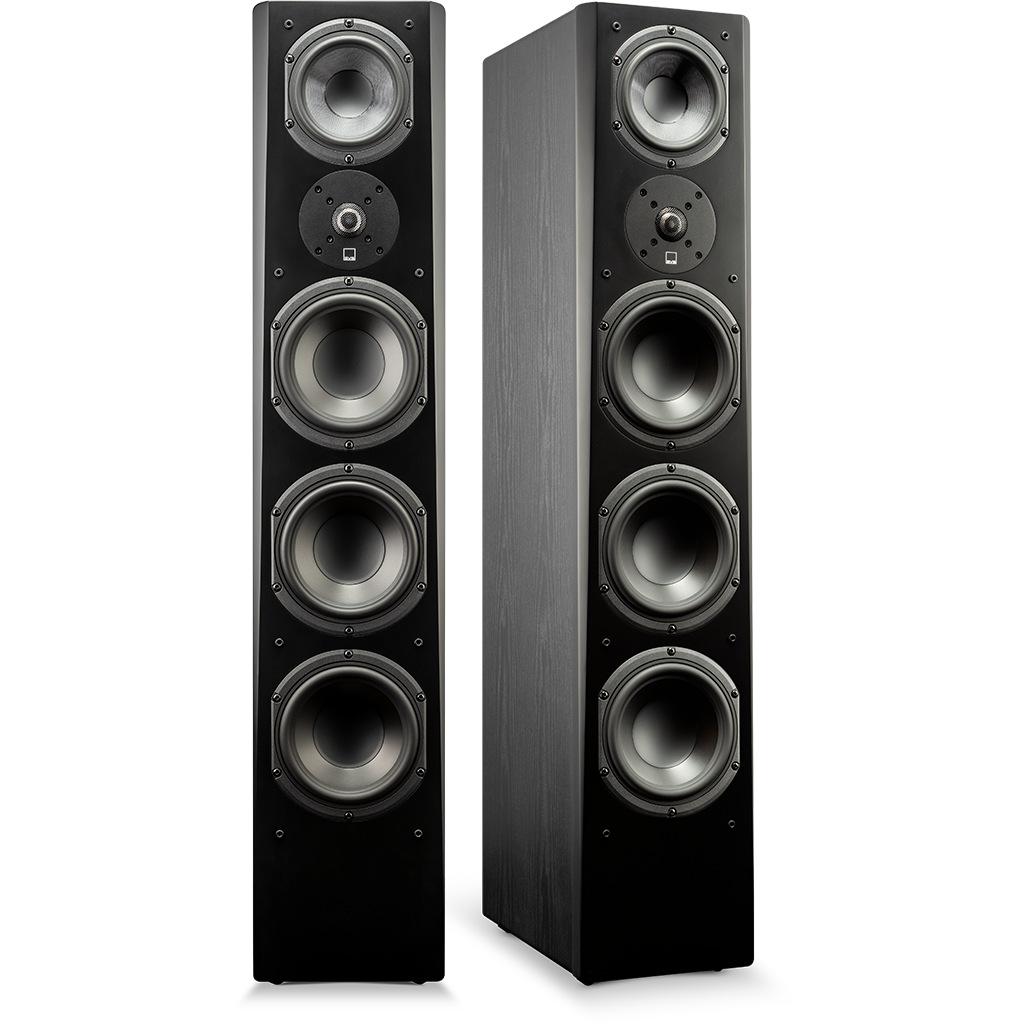
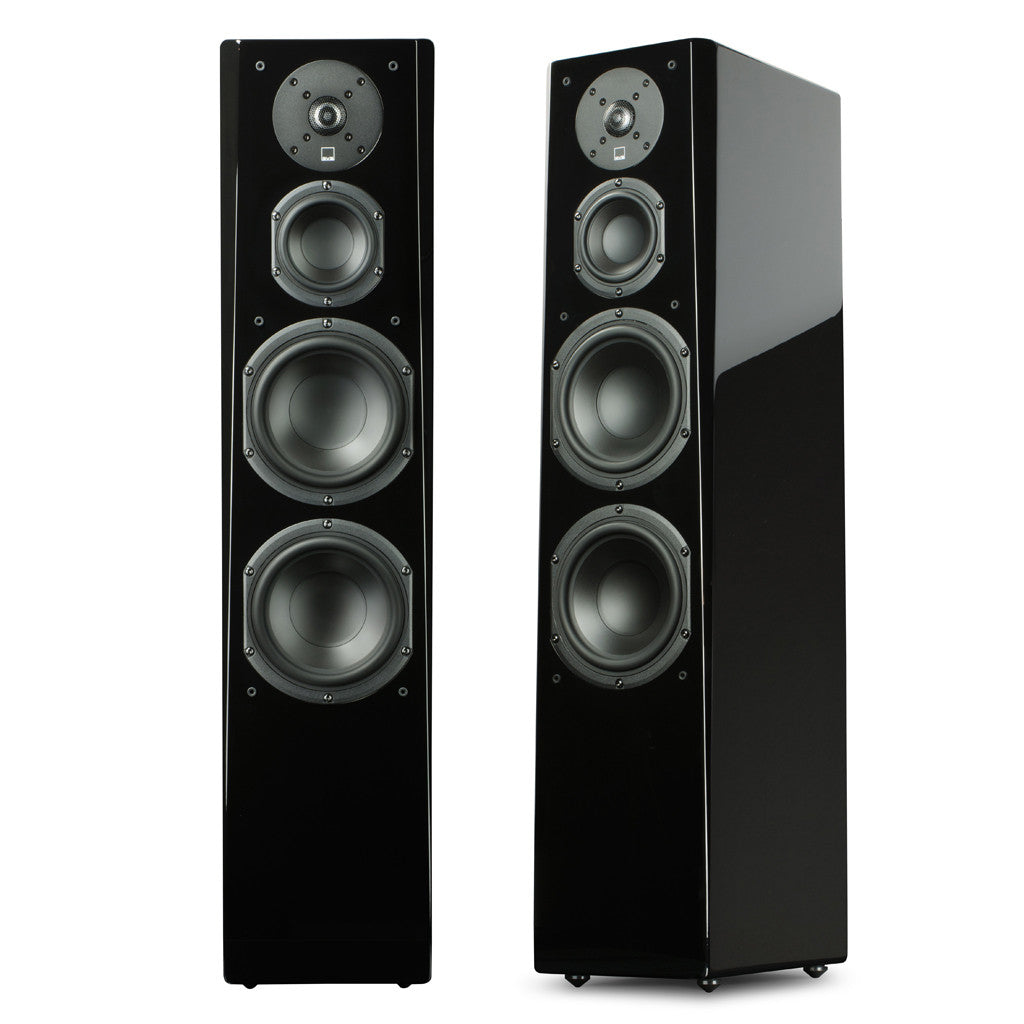
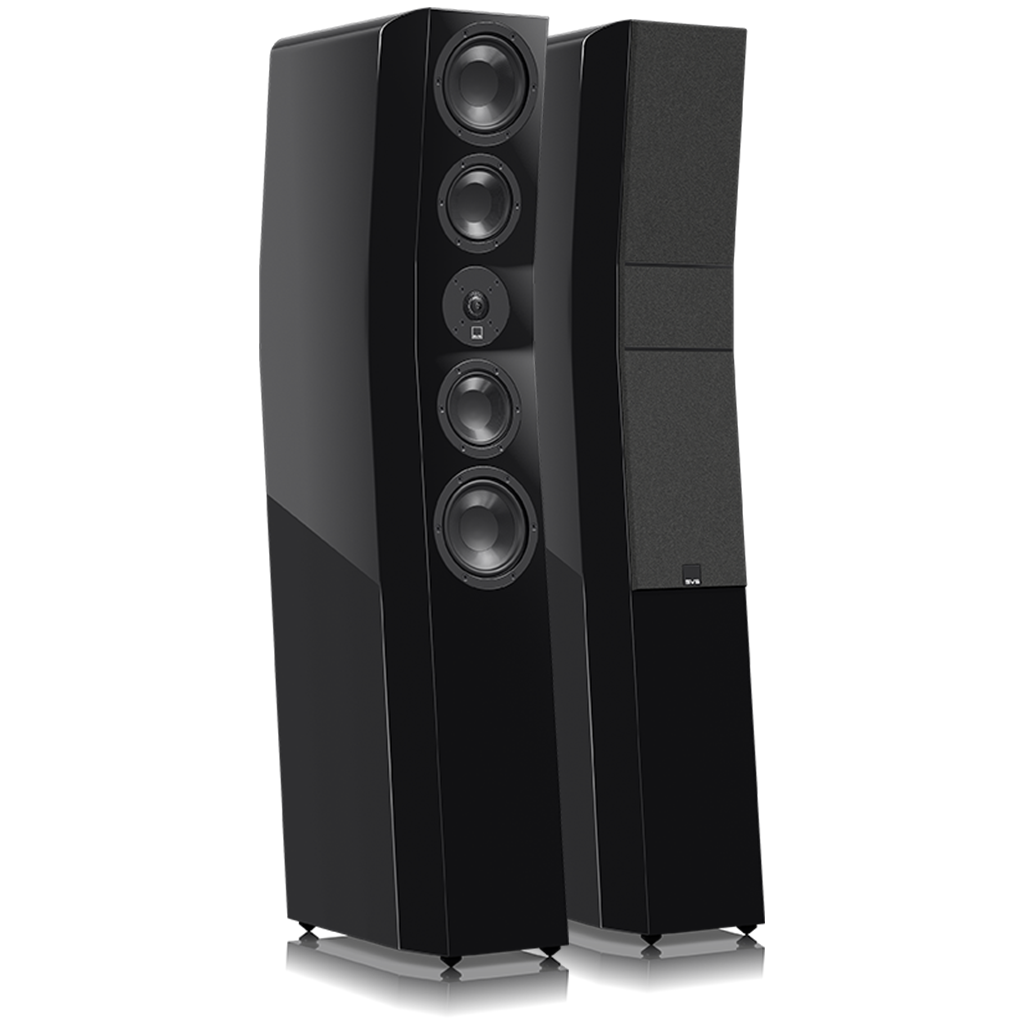
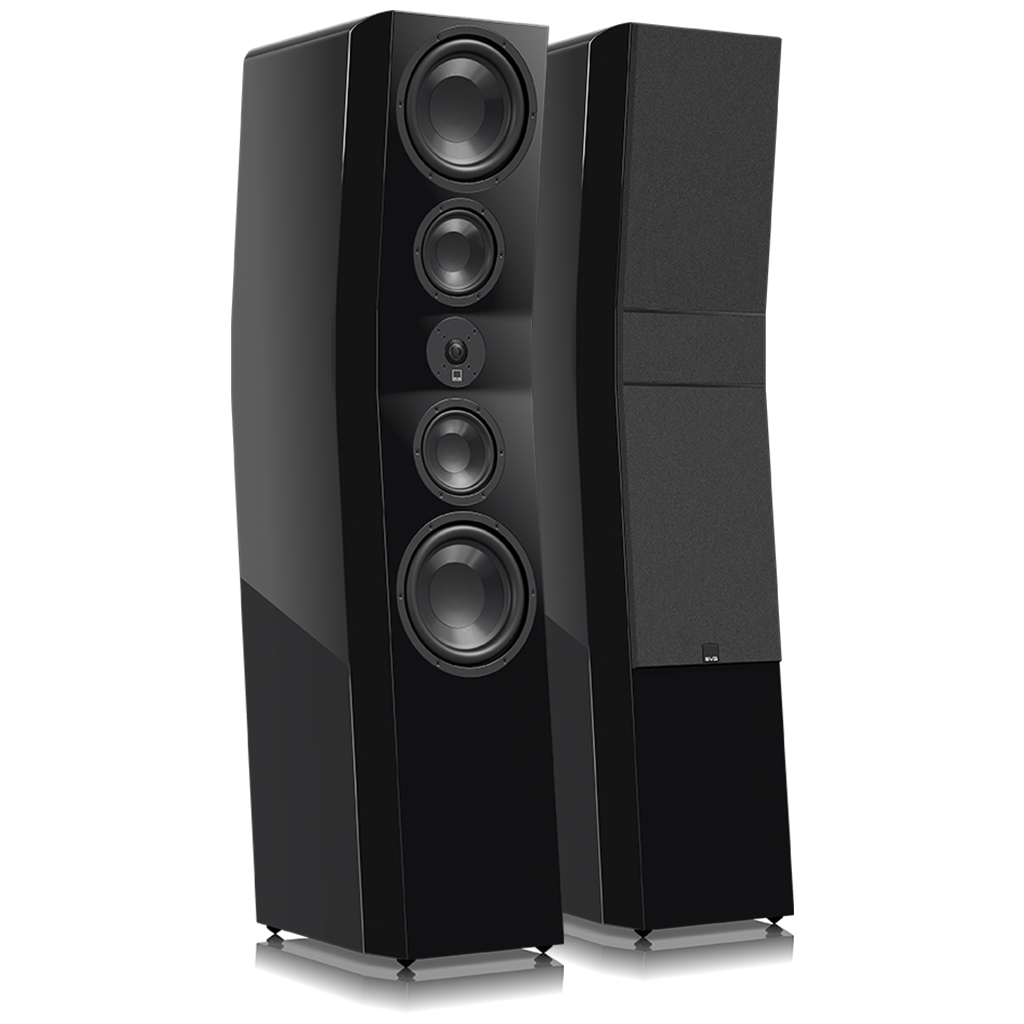
Upgrade to 5.1 Surround Sound (or beyond) – If you’ve never experienced true multi-channel sound, you’re missing out on the immersive experience of sports, movies, and TV. Modern TVs look incredible, but their built-in speakers are tiny, downward-firing, and lifeless. A proper surround sound system instantly upgrades clarity, impact, and immersion.
A Proper surround sound system requires at least five speakers and a subwoofer (5.1) powered by an AV receiver that is connected to your TV. For help getting started reach out to the SVS Support Team.

Adjust TV and AV Receiver Settings - Nearly all major sporting events are broadcast in crystal clear Dolby Digital 5.1 surround sound so you’ll want to make sure your system is properly set up to take advantage. Turn off any unnecessary processing, such as Dolby Pro Logic or DTS Neo:6 and make sure your system is running in multi-channel and not stereo to take full advantage.

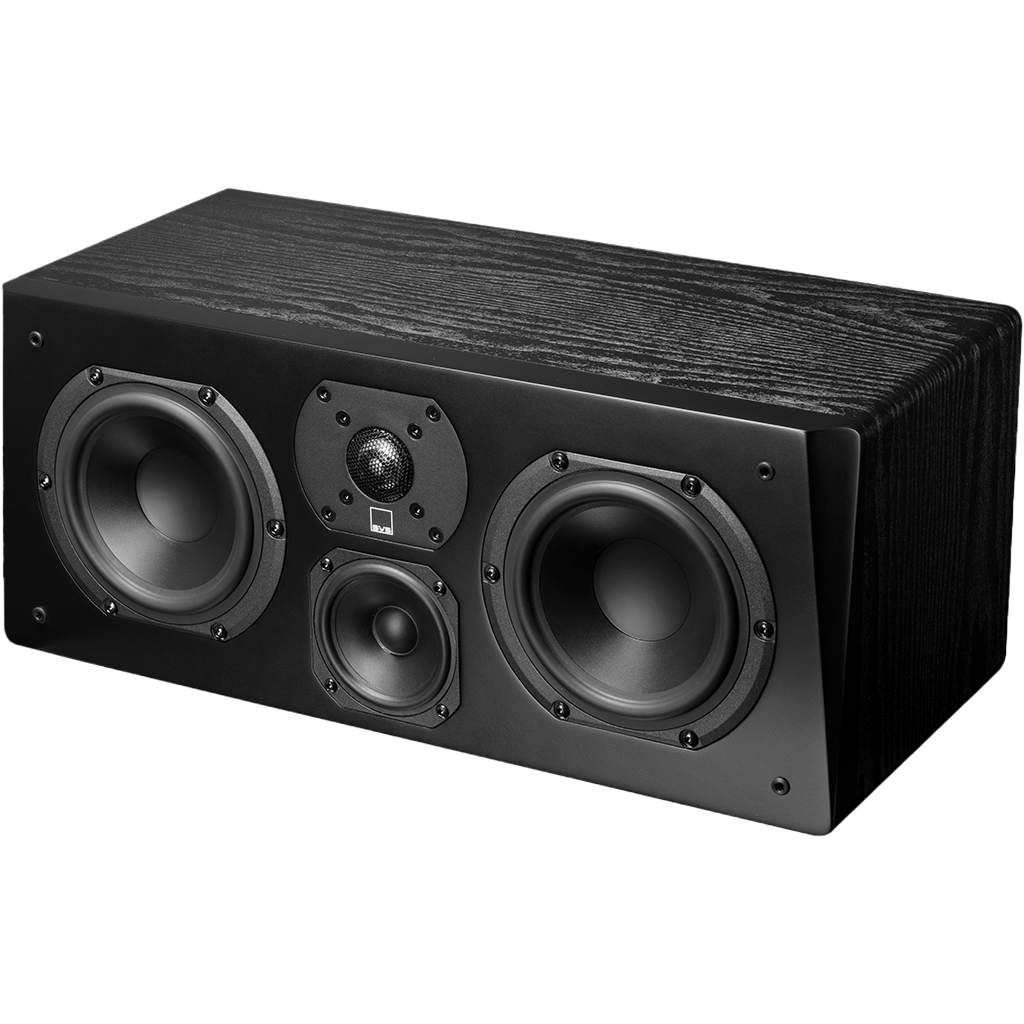
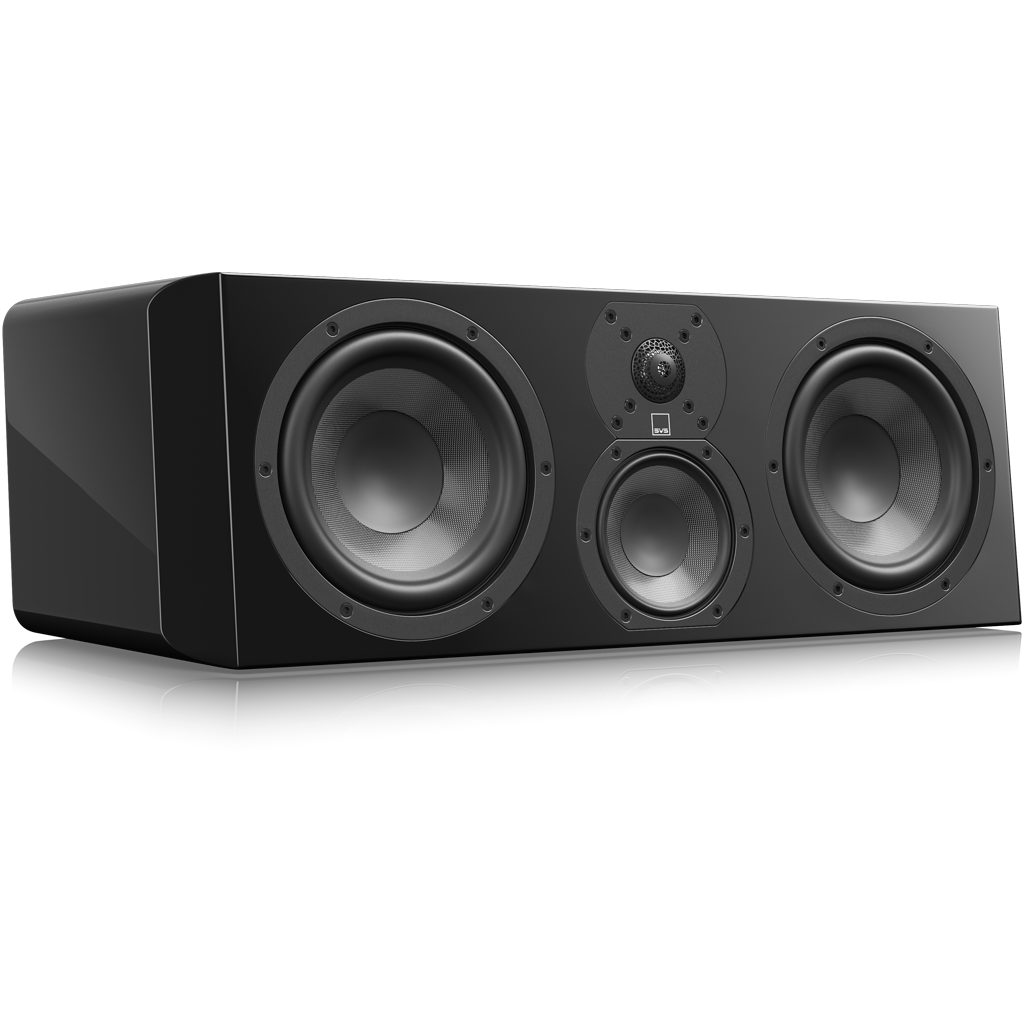
Add/Upgrade Center Channel Speaker – No speaker is more important than the center channel for rendering dialogue and anchoring sound to what you’re watching on TV. A quality center speaker delivers play-by-play with greater clarity and helps you feel more connected to the action unfolding in front of you.
Pro Tip: If your receiver allows it, slightly boost the center channel level (+1 to +3 dB). It keeps voices clear without cranking the overall volume.

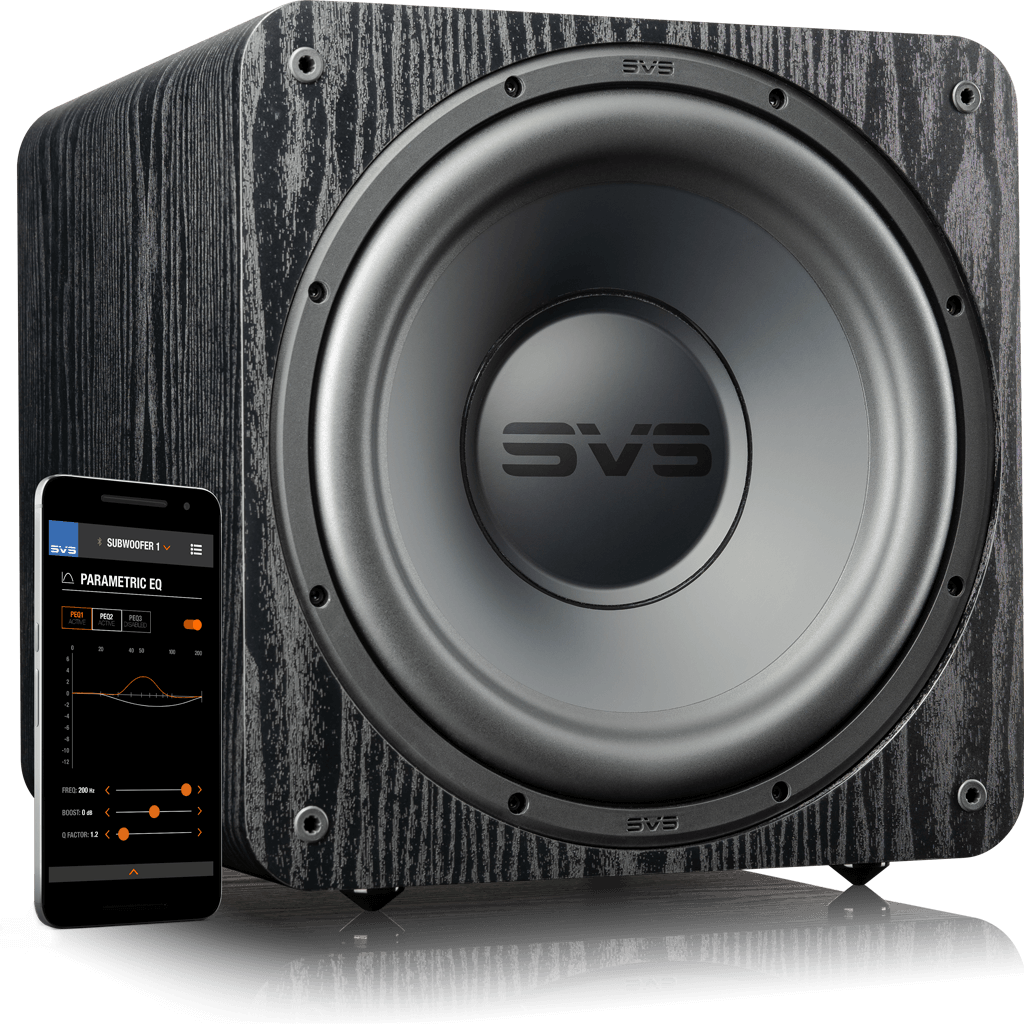
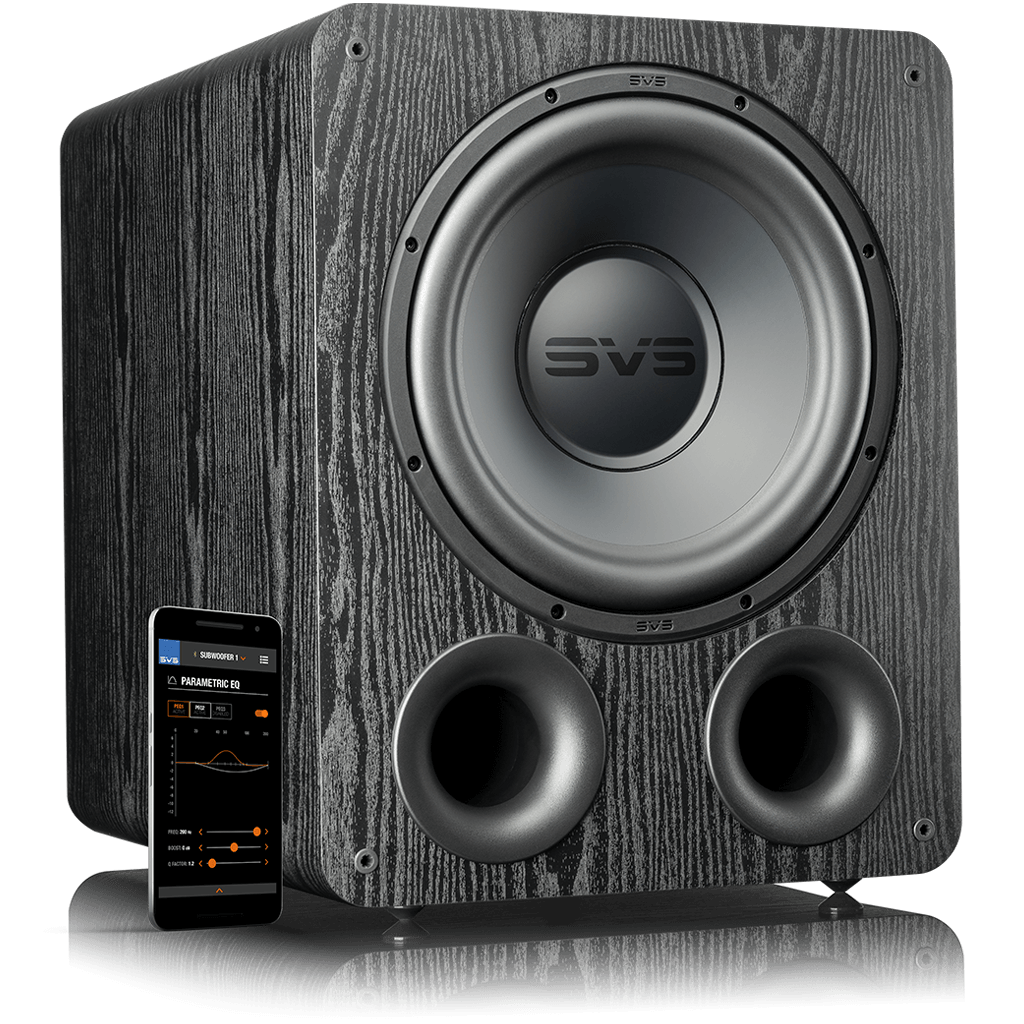
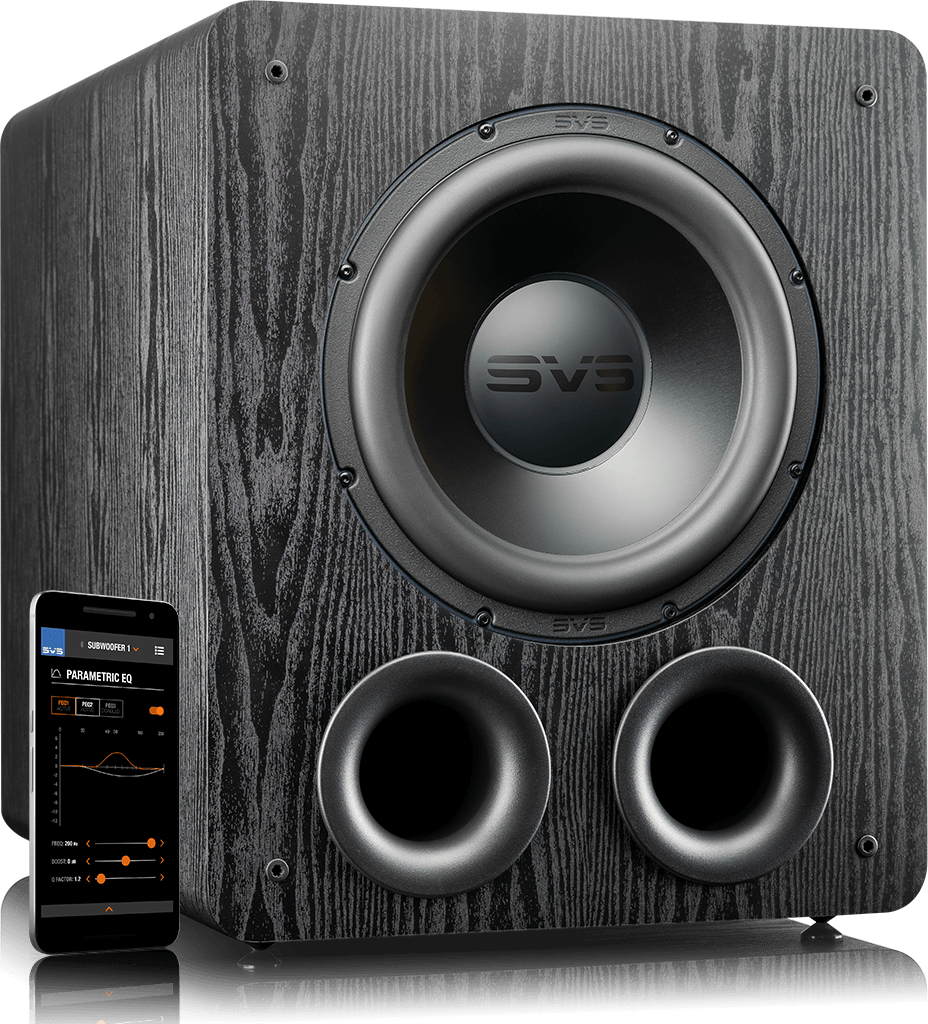
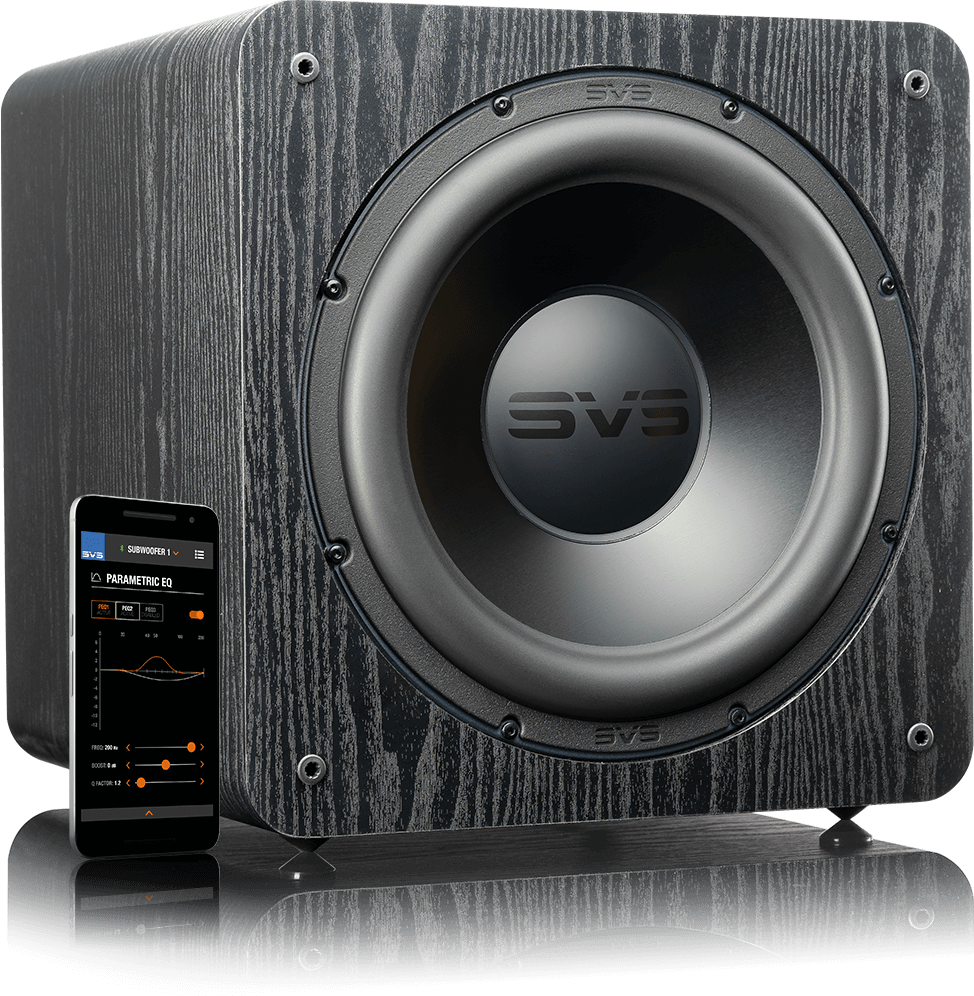
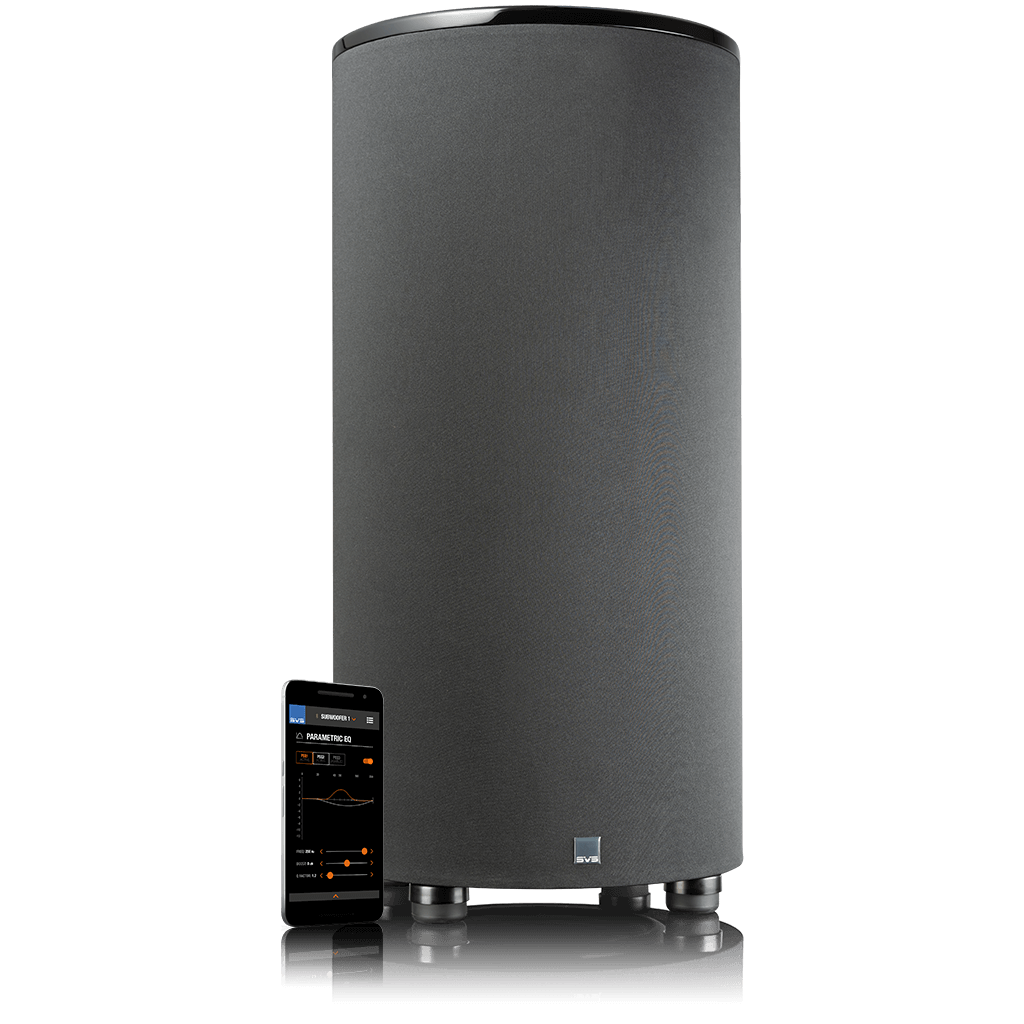
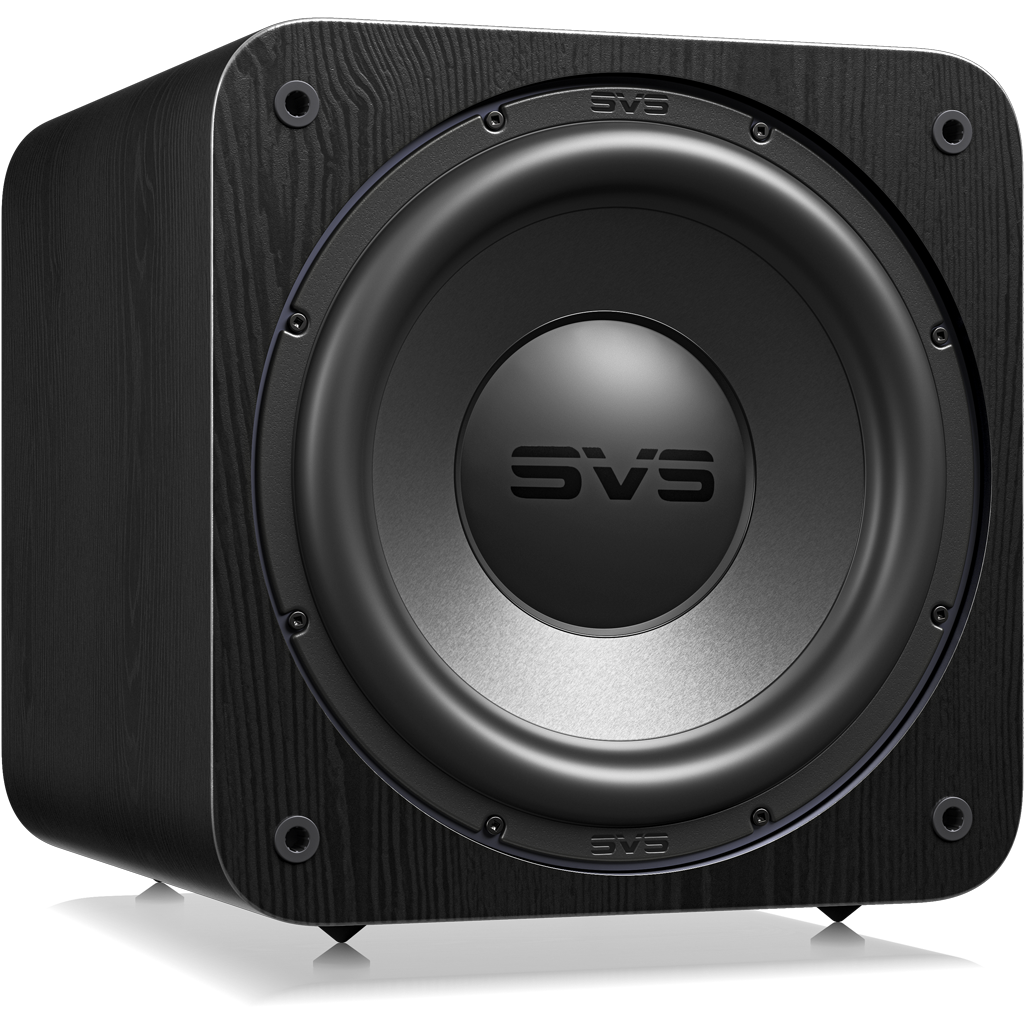
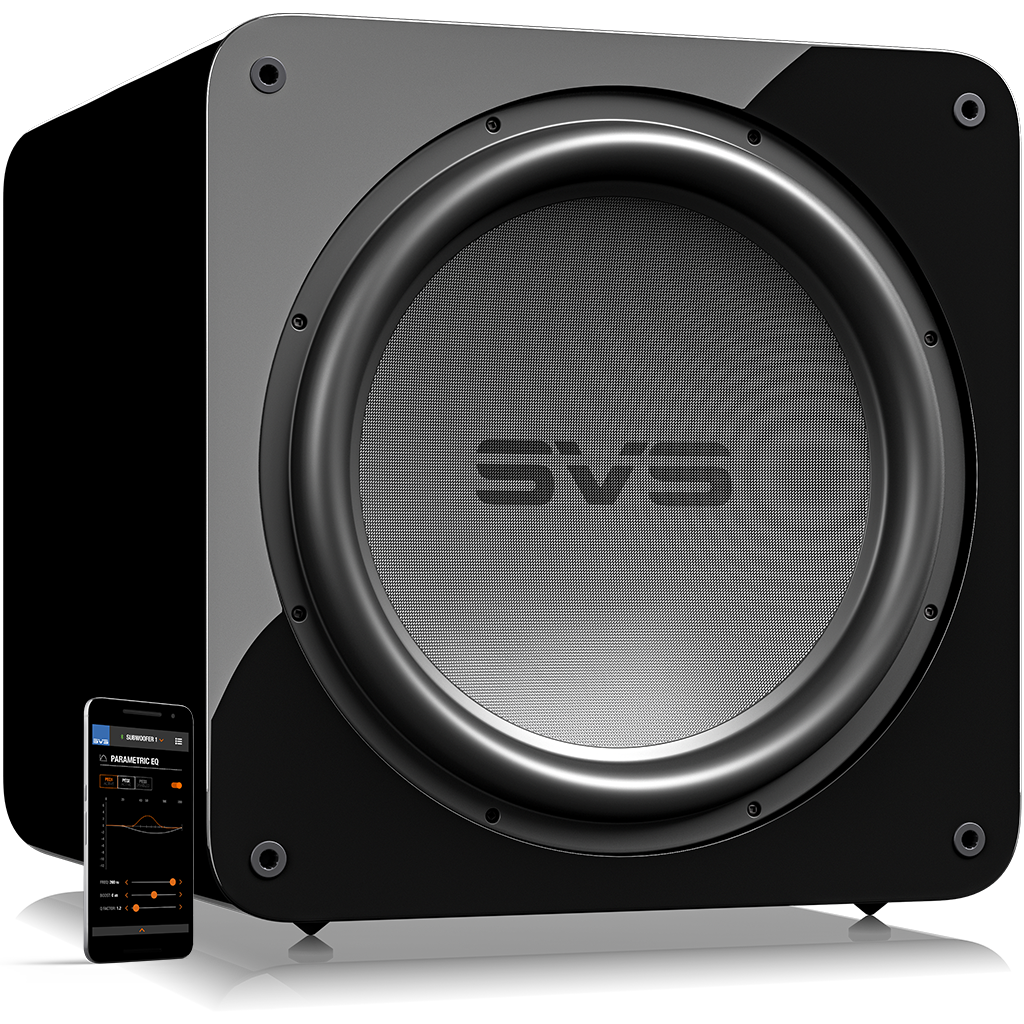
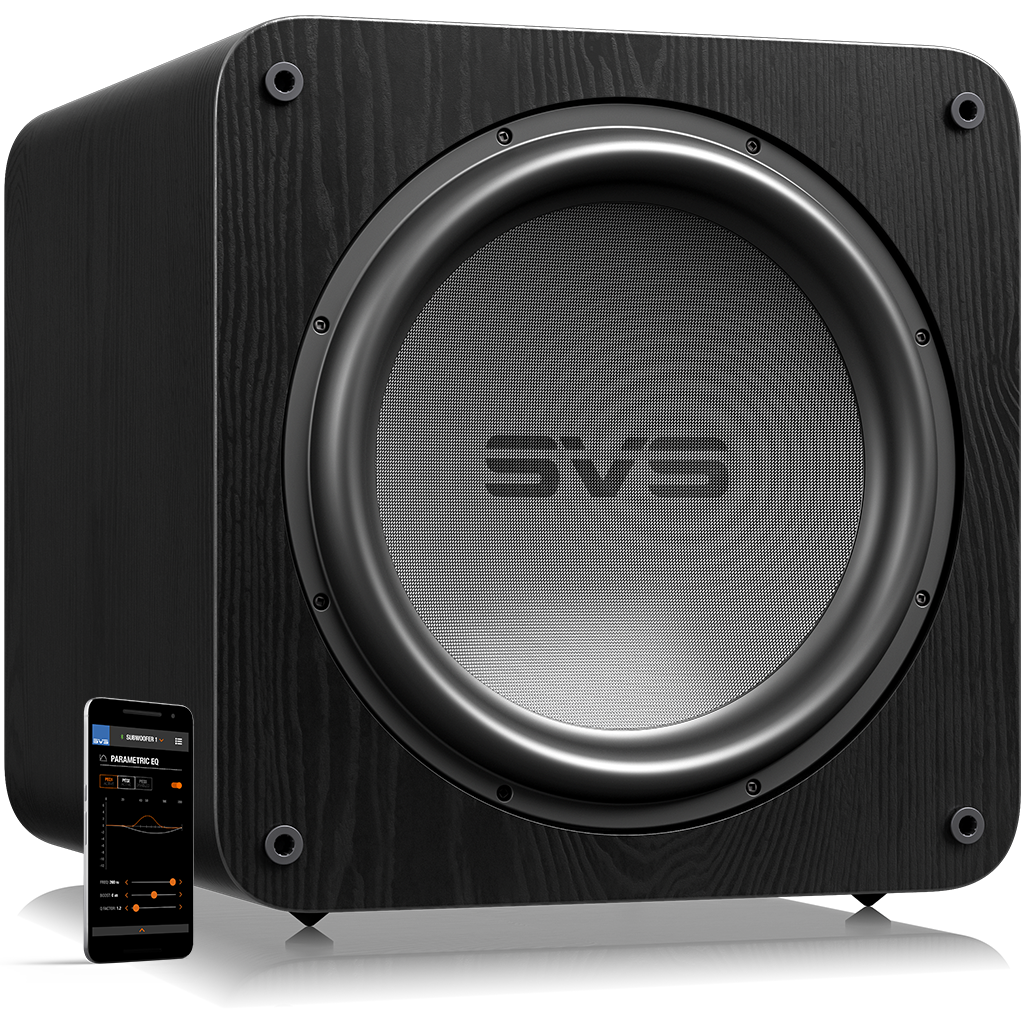
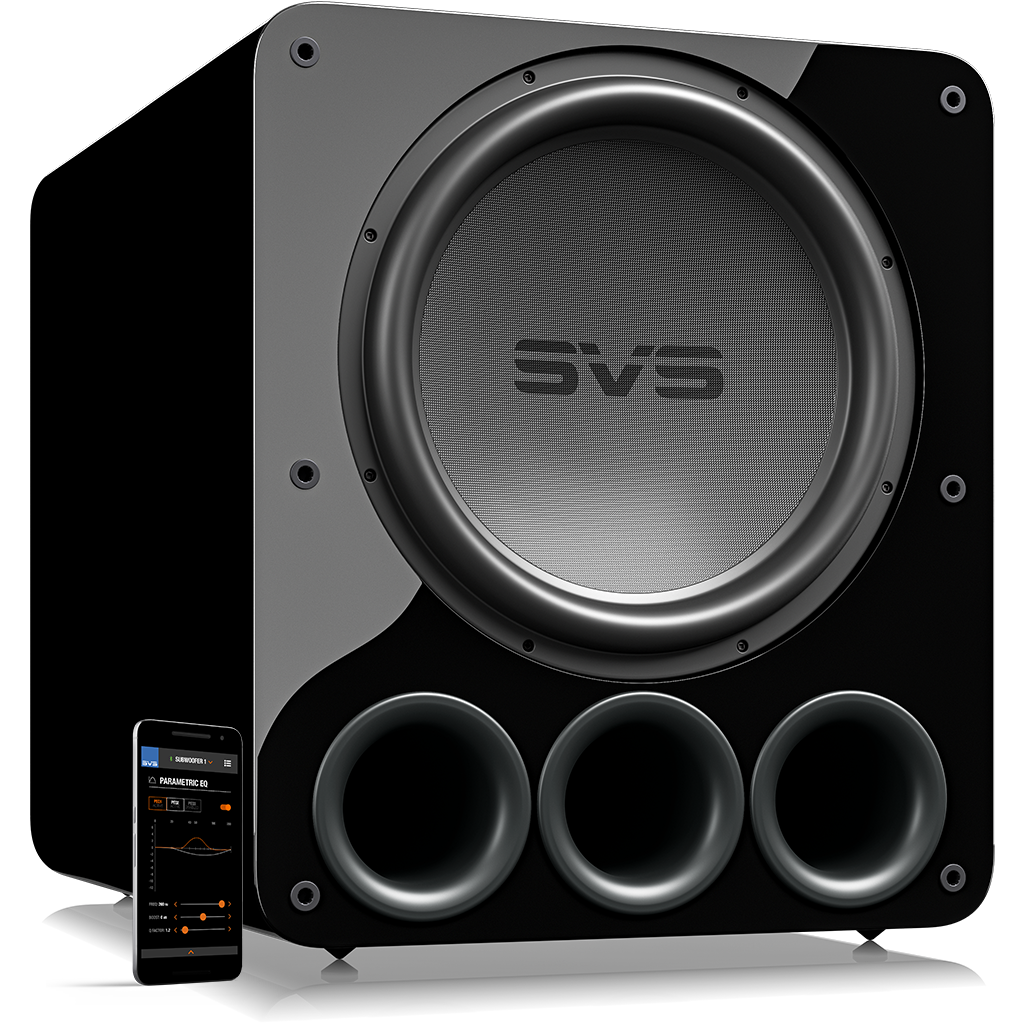
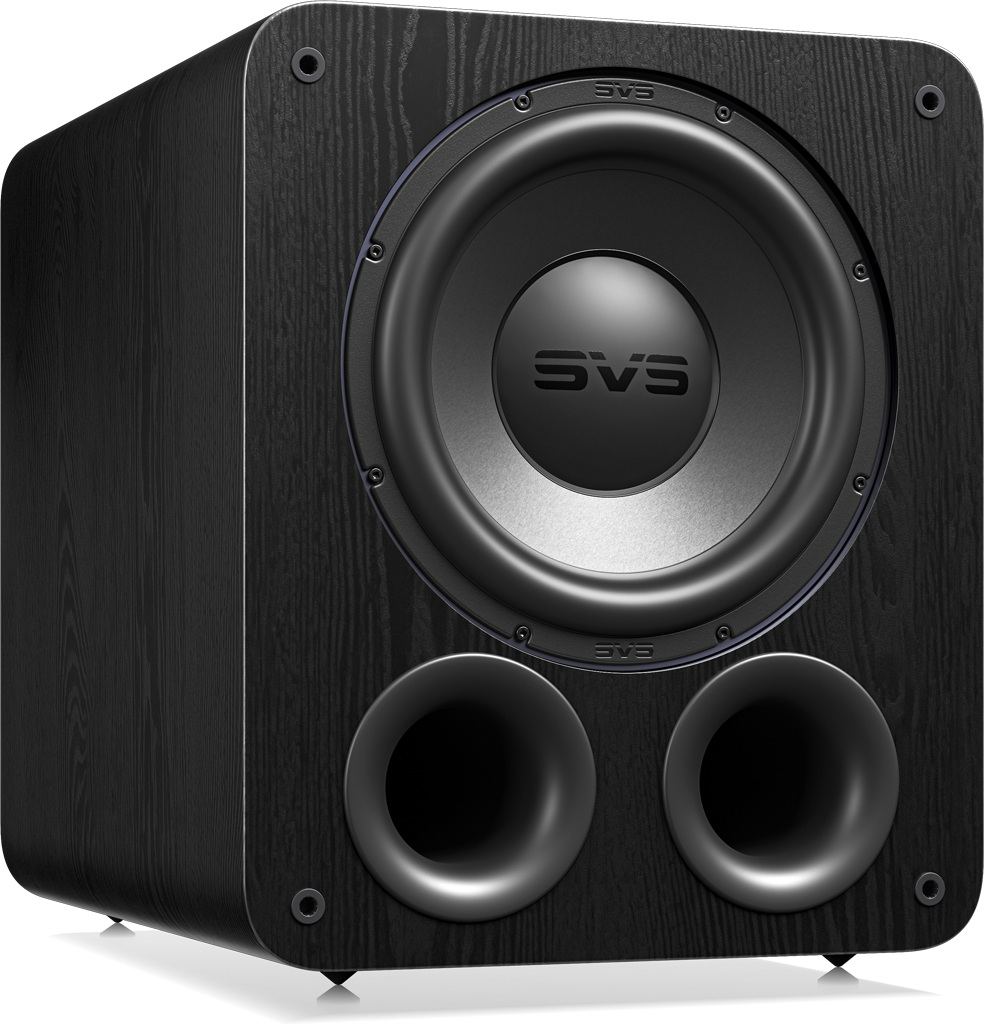
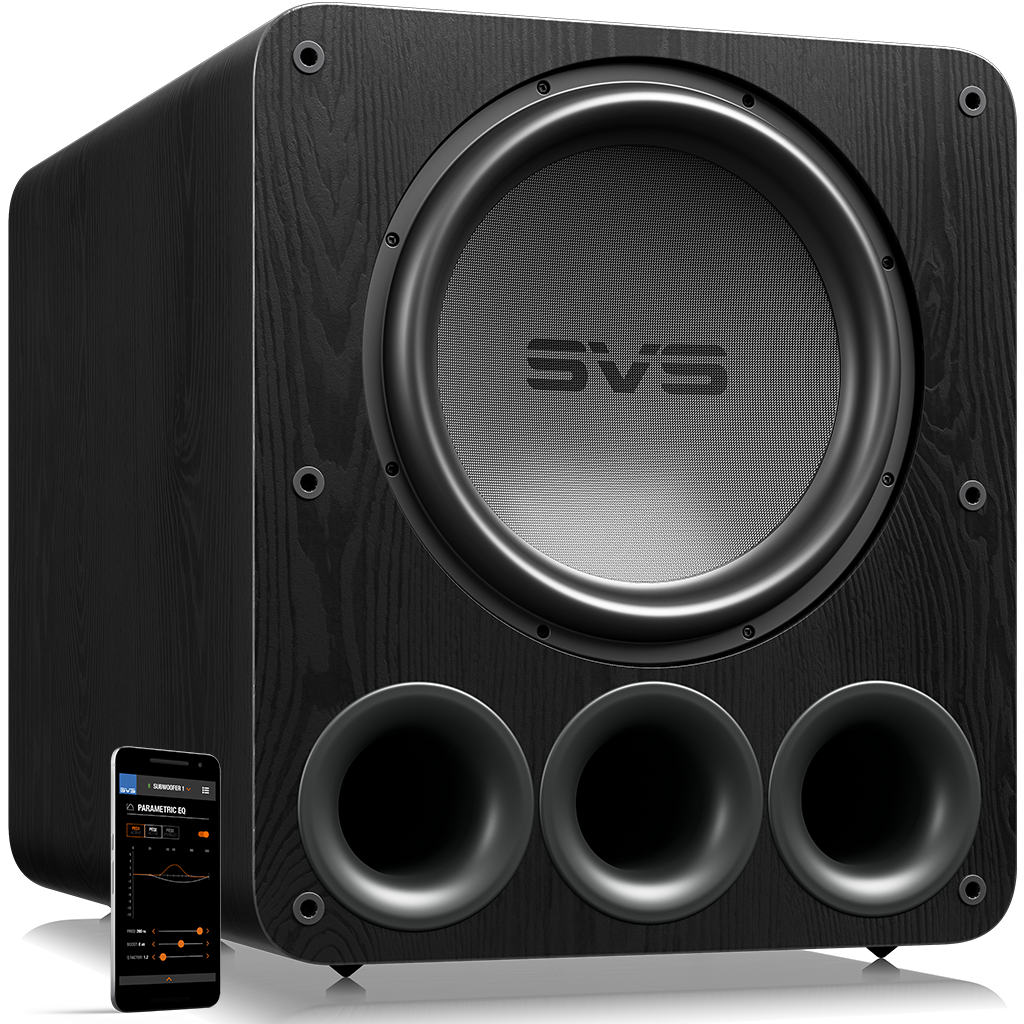
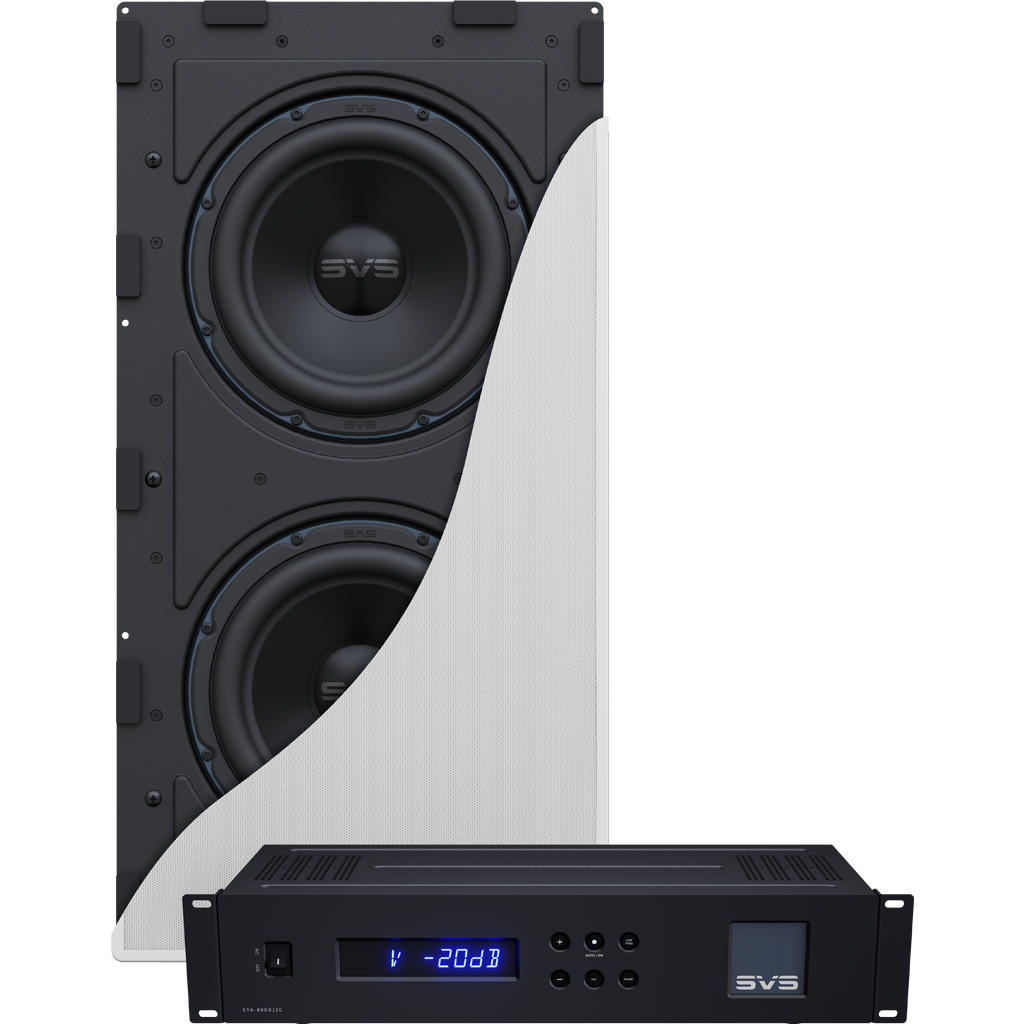
Unleash Hard-Hitting Bass with a Subwoofer – Low frequencies can often seem like an afterthought when it comes to sports but when your subwoofer kicks in at the perfect moment with visceral impact, there’s no denying its importance. Try the SVS Subwoofer Matching Tool if you already have speakers and want to find the perfect model to pair with them.

Get Your Speaker Placement Dialed In – The location of your speakers and subwoofer can have a huge impact on performance. For general guidelines on where to place speakers to get the best performance, check out these articles:

Bump up the Surround Speaker Channels – A lesser-known hack is to increase output to the surround speaker channels in the settings of your AV receiver. This is especially useful if you’re hosting a party when the game announcers aren’t as important so you can feed off the energy of the crowd.

Re-Run Auto EQ Calibration on Your System – Whenever you make an upgrade or move your speakers around, it’s always a good idea to rerun the auto-calibration through your AV receiver to ensure the system is tuned to the room.

Choose the Right Sound Mode (Sports ≠ Movies) - Most AV receivers offer multiple sound modes, try these to determine which sounds best in your setup. If the broadcast supports it, native Dolby 5.1 usually sounds best with minimal processing.
- Dolby Digital / Dolby Surround for broadcasts
- Sports or Live mode (if available)
- Avoid overly aggressive “Hall” or “Stadium” effects

Score Free Advice from the SVS Support Team – Have a question about which speaker or subwoofer is best for your setup, or are you curious about how to optimize settings? Call, email, or chat with the SVS support team 7 days-a-week. We even do free video chats to help with more complicated questions.

Test Before Kickoff (Trust Us) – Nothing kills the vibe faster than troubleshooting while guests stare at a silent TV. You want loud, exciting sound — not ear fatigue by halftime, so before gametime:
- Play a live sports broadcast
- Walk around the room and listen for balance
- Confirm surround speakers are active
- Adjust volume/settings for comfort — not distortion
Follow these tips and you can optimize your home theater system performance for a more realistic and engaging audio experience for the Super Bowl or any sporting event.
Follow these tips and you can optimize your home theater system performance for a more realistic and engaging audio experience for the Super Bowl or any sporting event.
Browse a wide-range of SVS speaker or subwoofers below, or use out System Builder tool to customize the perfect surround sound setup.